Upvotes
Pricing
Verified

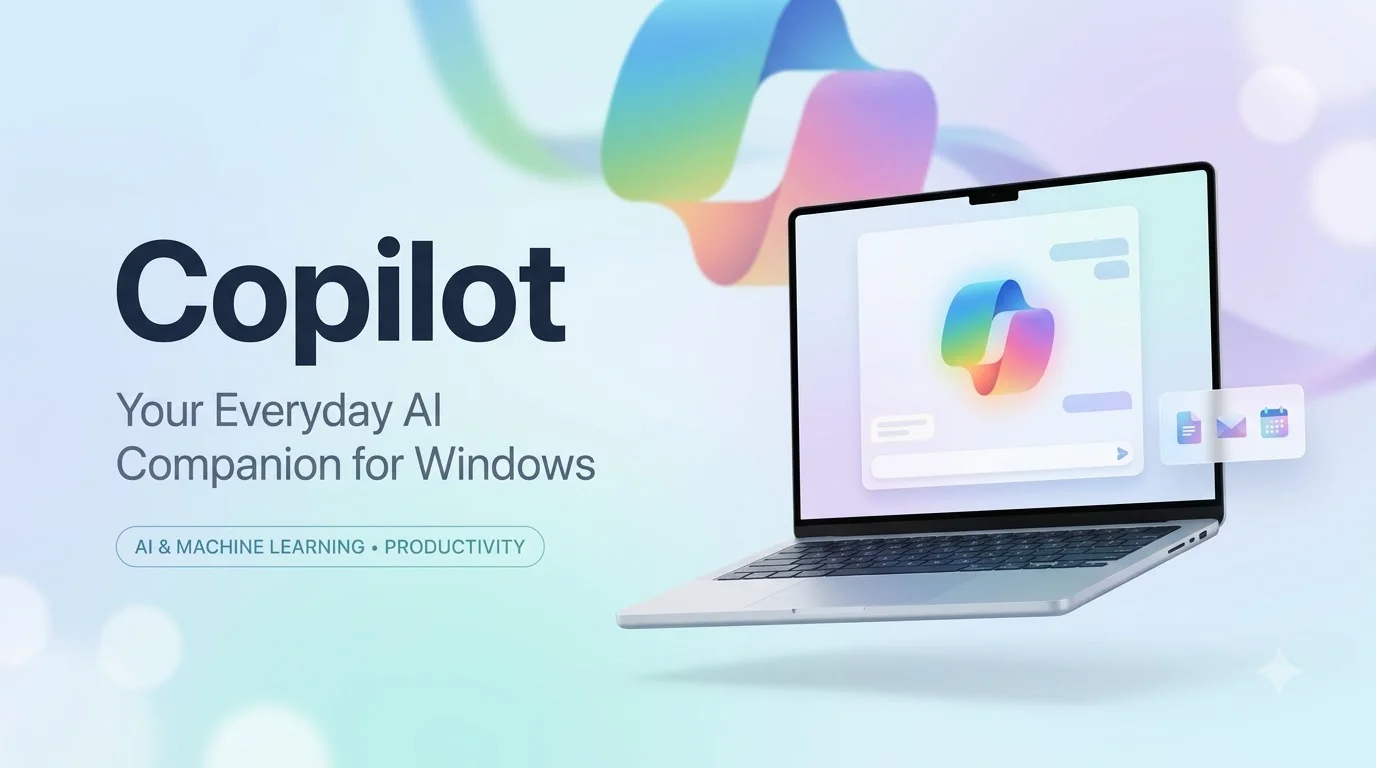
Your everyday AI companion, deeply integrated into Windows and Microsoft 365.
Microsoft Copilot (formerly known as Bing Chat) is a comprehensive AI assistant designed to serve as an everyday companion across the Microsoft ecosystem. Powered by OpenAI's advanced models (including GPT-4 and DALL-E 3) but heavily customized by Microsoft, Copilot is engineered to enhance productivity, creativity, and search. Unlike standalone AI chatbots, Copilot's defining characteristic is its deep integration into the tools hundreds of millions of people already use daily. It lives directly within the Windows operating system, the Edge web browser, and, most importantly, the Microsoft 365 suite of enterprise applications (Word, Excel, PowerPoint, Teams, and Outlook). Copilot combines the power of Large Language Models with the Microsoft Graph—which includes a user's emails, chats, documents, and calendar—to provide highly contextual, personalized, and secure AI assistance.
The capabilities of Copilot vary depending on where you access it. On the web or in the Edge browser, it functions as a highly capable, internet-connected chatbot that can answer complex questions, summarize long web pages or PDFs, compare products, and generate stunning images using DALL-E 3. Within Windows, you can ask Copilot to adjust your PC settings, organize your windows, or troubleshoot system issues. However, its true power is unlocked within Microsoft 365. You can ask Copilot in Word to draft a project proposal based on notes from a OneNote file. In PowerPoint, it can transform a written document into a fully formatted slide deck. In Excel, it can analyze complex data, generate formulas, and create charts. In Microsoft Teams, Copilot can transcribe a meeting in real-time, summarize what was discussed, and list action items for each participant.
Microsoft Copilot is designed for a massive audience, but its tiers target specific users. The free web version is for everyday consumers, students, and professionals looking for a robust, internet-connected ChatGPT alternative with built-in image generation. Copilot Pro targets power users, creators, and freelancers who want priority access to the latest GPT models and AI integration in their personal Microsoft Office apps. Finally, Copilot for Microsoft 365 is targeted squarely at enterprise organizations and corporate employees, aiming to drastically reduce the time spent on busywork like summarizing emails, creating presentations, and catching up on meetings.
Microsoft Copilot has a tiered pricing structure:
Pros:
Limitations:
Microsoft Copilot is a transformative tool simply because it brings AI directly to where people are already working. While standalone chatbots require you to copy and paste text back and forth, Copilot lives inside your documents, spreadsheets, and meetings. By wrapping OpenAI's industry-leading models in Microsoft's robust enterprise security and deep ecosystem integration, Copilot is arguably the most practical and immediate way for traditional businesses and individual workers to realize the massive productivity gains promised by generative AI.
Updated on
Sep 6, 2026
Platform
Web Application
Pricing
freemium
Offered by
microsoft-copilot
Safety starts with understanding how developers collect and protect your data. Security practices may vary based on your plan, features used, and region.
Data is encrypted in transit
Your sessions and requests use standard TLS/SSL encryption.
Verified by EveryToolz
Reviewed for genuine functionality, safe URLs, and security compliance.
Official developer website
Access and account management are hosted directly on the official site.
Share your feedback to help other creators and makers.
No reviews yet
Be the first member to review and rate Microsoft Copilot.
Authentic software experiences from verified developers and community users.
0 ratings
No community reviews yet.
Be the first to share feedback and help other developers!
 freemium
A next-generation AI assistant built for work and trained to be safe, accurate, and secure.
 freemium
An AI-powered answer engine that delivers real-time, accurate answers with inline citations.
 freemium
An AI language model by OpenAI capable of generating human-like text.
 subscription
An AI modeled after the Hitchhiker's Guide to the Galaxy, designed to answer questions with a bit of wit.
 freemium
Google's most capable and general AI model, built from the ground up to be multimodal.
 freemium
Upload a photo. Get scroll-stopping captions instantly.
 freemium
A comprehensive generative AI platform giving creators granular control over asset generation, model training, and canvas editing.